How to Spot a Fake Link in 5 Seconds
Fake links are designed to blend in.
Most people trust what looks familiar.
Attackers count on quick, careless clicks.
But you only need a few seconds to catch them.
Links have become part of everyday life online.
They arrive through WhatsApp messages, Instagram DMs, emails, SMS alerts, and even social media comments. Sometimes it’s a delivery update, sometimes an account alert, sometimes a payment request.
Because these messages feel routine, most people click without thinking twice.
That single click can lead to fake login pages, malware downloads, or scams designed to steal passwords, banking details, or personal information.
Most digital fraud today starts with a link.
Why Fake Links Work So Well
Scam links succeed because they imitate things people already trust.
A message may appear to come from a bank, a delivery service, a social media platform, or even a known contact. The link often includes familiar brand names, security-related words, or urgent messages.
People assume the link is safe because everything around it feels normal.
Attackers know this.
They don’t need to break complex security systems if they can simply convince someone to click.
Look Carefully at the Domain
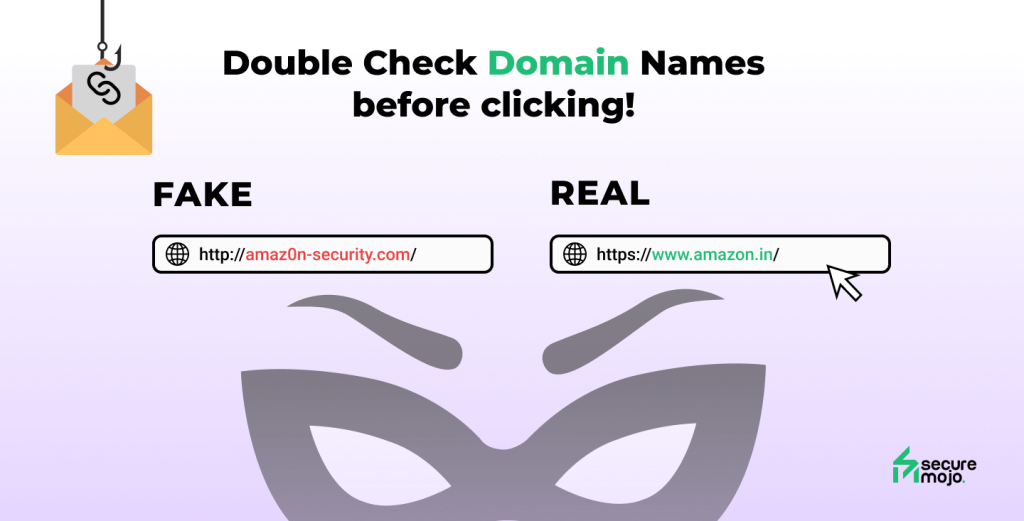
The most important part of any link is the domain name — the main website address.
Scammers often create domains that look very similar to real ones.
Examples include:
amaz0n-security.cominstagram-help-center.netupi-verification-support.com
At first glance these may look legitimate, but the real companies usually use only their official domains.
Even a small spelling change can signal a fake website.
Watch for Strange Characters or Misspellings
Attackers sometimes replace letters with similar-looking characters.
Examples include:
paypaI.com (capital “i” instead of “l”)micr0soft-login.com (zero instead of “o”)
These differences are easy to miss when reading quickly.
But slowing down for a moment often reveals the trick.
Be Careful With Extra Words Around Brand Names
Another common pattern is adding convincing words around a well-known brand.
You might see links like:
secure-amazon-login.cobank-account-verification.netinstagram-security-alert.com
These domains are designed to look official.
But legitimate services rarely use long, complicated domain names like this.
Shortened Links Hide the Real Website
Some links use URL shorteners such as:
These links hide the real destination.
While shortened links are sometimes used for convenience, they also make it impossible to see where the link actually leads before clicking.
If a shortened link arrives unexpectedly, it’s safer to avoid it.
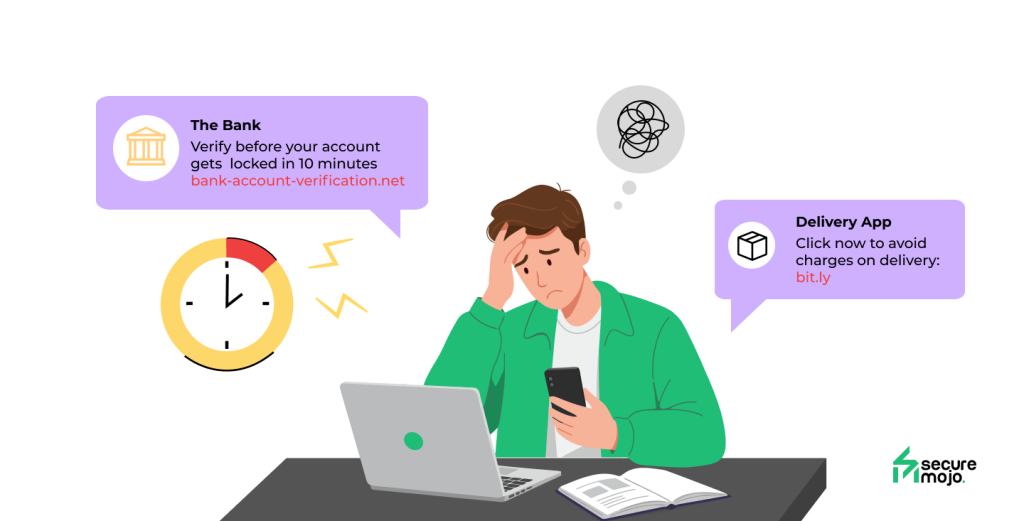
Urgency Is Often the Biggest Warning Sign
Many fake links are combined with messages that create pressure.
The message might say:
- “Your account will be suspended today”
- “Immediate verification required”
- “Click now to avoid charges”
This urgency is intentional.
Scammers want people to react quickly instead of examining the link carefully.
The faster someone clicks, the less likely they are to notice the warning signs.
The 5-Second Habit That Prevents Most Click Scams
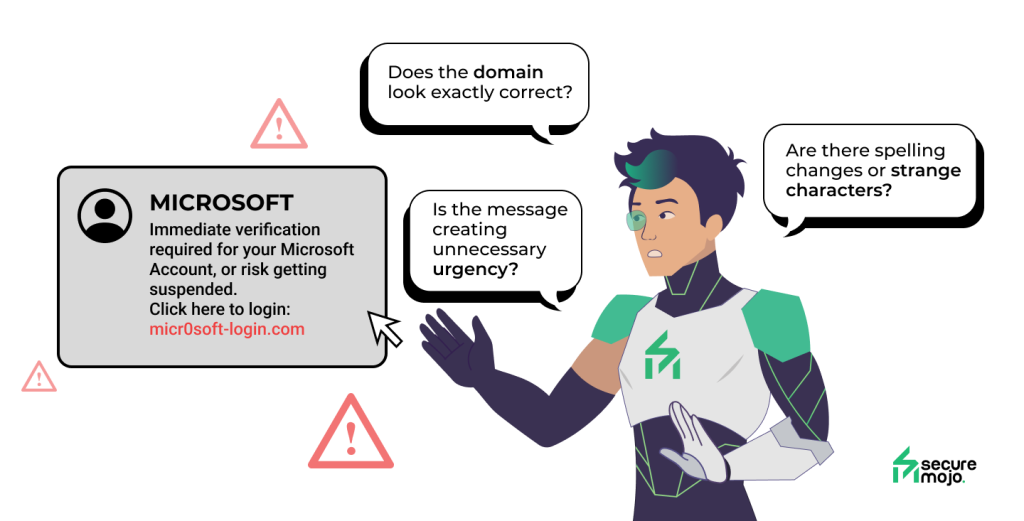
Before clicking any link, take a brief pause and check three things:
- Does the domain look exactly correct?
- Are there spelling changes or strange characters?
- Is the message creating unnecessary urgency?
Those five seconds can make the difference between a safe click and a compromised account.
Final Thought: Most Attacks Begin With One Click
Cyberattacks today rarely begin with complicated hacking tools.
They begin with something simple — a link that looks believable enough to trust.
Taking a moment to examine a link before clicking adds a small pause in the process.
That pause is often enough to stop the attack entirely.
Because when it comes to suspicious links, slowing down is one of the strongest forms of protection. 🔐